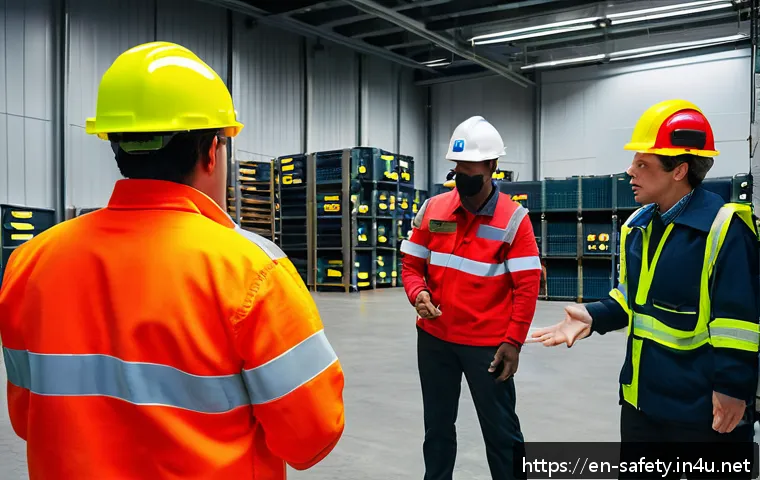
Creating an effective safety training presentation is essential for any workplace aiming to reduce accidents and promote a culture of care. From engaging visuals to clear, concise messaging, the way safety information is delivered can make all the difference in retention and compliance.
I’ve noticed firsthand how well-structured presentations not only keep teams attentive but also empower them to act responsibly. Whether you’re new to safety training or looking to refresh your approach, understanding the key elements can elevate your sessions.
Let’s dive deeper and explore exactly how to craft a presentation that truly resonates and keeps everyone safe!
Capturing Attention with Compelling Visuals
Choosing the Right Imagery to Reinforce Safety Messages
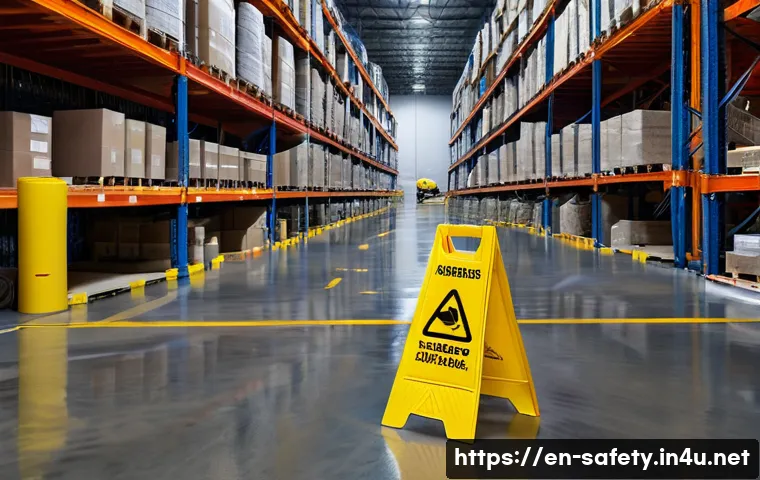
When it comes to safety training, visuals aren’t just decorative—they’re powerful memory aids. I’ve found that using real photos from your own workplace or vivid illustrations related to specific hazards makes the content far more relatable.
Generic stock images rarely stick with people the same way. For example, showing a clear photo of a slip hazard exactly like one found on the shop floor can trigger an immediate recognition and caution in trainees.
High-quality visuals help break up dense information and give learners a mental anchor, which improves recall during real-life situations.
Incorporating Infographics for Complex Data
Sometimes safety information involves numbers or statistics, like injury rates or compliance percentages. Throwing these facts at the audience without context can be overwhelming.
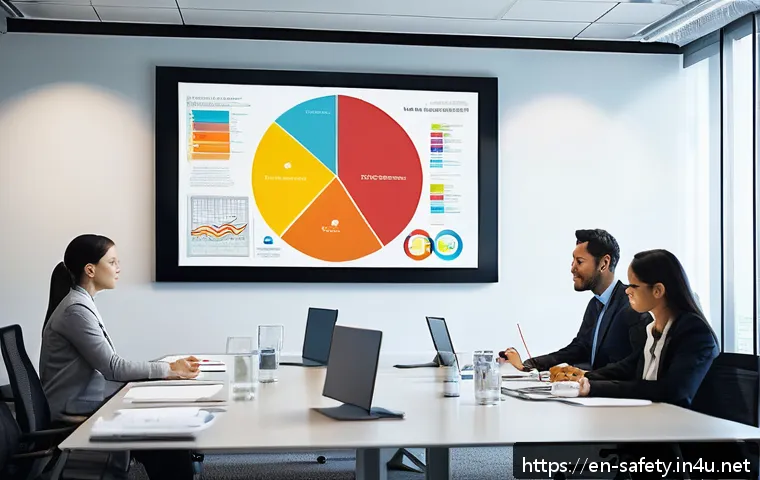
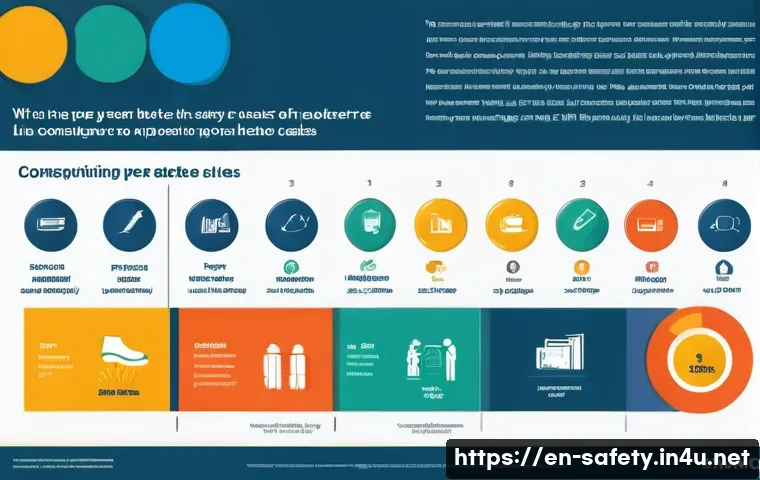
I’ve seen infographics work wonders because they simplify data into clear, digestible visuals—charts, icons, color-coded graphics—that speak louder than words.
When you combine these with concise, pointed text, it creates a compelling story. Trainees tend to remember a graph showing how PPE usage reduced injuries by 30% far better than a paragraph explaining the same thing.
Using Video Clips to Demonstrate Procedures
Videos are incredibly effective for showing the “how-to” part of safety training. From my experience, short clips demonstrating proper lifting techniques or correct use of fire extinguishers keep people engaged and provide a real-world example they can emulate.
Plus, videos can highlight consequences of unsafe behaviors without sounding preachy—seeing a simulation of an accident’s aftermath is much more impactful than just hearing about it.
Embedding these into your presentation ensures that learners don’t just hear about safety—they see it in action.
Crafting Clear and Concise Messaging
Breaking Down Complex Concepts into Simple Language
Safety jargon can sometimes intimidate or confuse people, which defeats the purpose of training. I always recommend translating technical terms into everyday language.
For instance, instead of saying “personal protective equipment compliance,” try “wearing the right gear to stay safe.” Keeping sentences short and direct helps maintain attention and ensures everyone, regardless of background, grasps the message.
Also, bullet points or numbered lists work well to emphasize key takeaways without overwhelming the audience with paragraphs of text.
Focusing on Actionable Steps Over Abstract Rules
What I’ve noticed is that people respond better when they know exactly what to do, rather than just what not to do. Framing your messages around clear actions like “always check your tools before use” or “report spills immediately” empowers learners.
This approach fosters a sense of responsibility rather than fear. When the audience feels capable of making safe choices, they’re more likely to stay engaged and apply what they learn.
Reinforcing Messages with Real-Life Stories
Sharing brief anecdotes about incidents or near-misses from your own workplace can make safety lessons hit home. I often include stories that illustrate the consequences of ignoring procedures or the benefits of following them.
These narratives personalize the material, turning abstract rules into relatable experiences. People tend to remember stories far better than dry facts because emotions are involved, making the message stick.
Engaging Participants Through Interactive Elements
Incorporating Quizzes and Polls to Boost Participation
Interactive elements like quizzes or live polls break the monotony and keep trainees actively involved. From my own sessions, I’ve seen that throwing in quick knowledge checks not only reinforces learning but also makes people more alert.
For example, after explaining proper ladder safety, asking a few true-or-false questions can prompt participants to think critically about what they just heard.
It also provides instant feedback to trainers on which topics may need more clarity.
Facilitating Group Discussions and Role-Playing
Getting people to talk about safety experiences or practice scenarios in small groups adds a layer of social learning. I’ve observed that role-playing difficult situations, such as how to respond to an emergency, encourages deeper understanding and confidence.
Discussions allow participants to share insights or concerns, which often uncovers gaps in knowledge or workplace culture that might otherwise go unnoticed.
This peer interaction makes the training feel less like a lecture and more like a collaborative effort.
Using Hands-On Demonstrations for Skill Building
Whenever possible, practical demonstrations make the learning tangible. For instance, showing how to properly don a respirator or conduct a lockout/tagout procedure gives participants the chance to see and try the technique firsthand.
This active involvement increases retention dramatically compared to passive listening. I always make sure my presentations include some form of hands-on practice because it bridges the gap between theory and real-life application.
Designing a Logical Flow for Maximum Impact
Starting with High-Risk Topics to Grab Attention
Beginning your presentation with the most critical safety hazards sets the tone and highlights the importance right away. From experience, starting with issues that directly affect the audience’s daily work—like fall prevention in construction or chemical handling in labs—creates immediate relevance.
This grabs attention early and primes learners to take the rest of the content seriously. It also helps prioritize which safety concerns need the most focus.
Building from Basic Concepts to Advanced Procedures
A natural progression in your presentation helps avoid overwhelming participants. I’ve found that layering information—from fundamental safety rules to more detailed protocols—allows learners to build confidence as they go.
For example, starting with general emergency response principles before diving into specific evacuation routes ensures everyone is on the same page. This structure also aids memory, as new information connects logically to what was covered earlier.
Ending with Clear Summaries and Next Steps
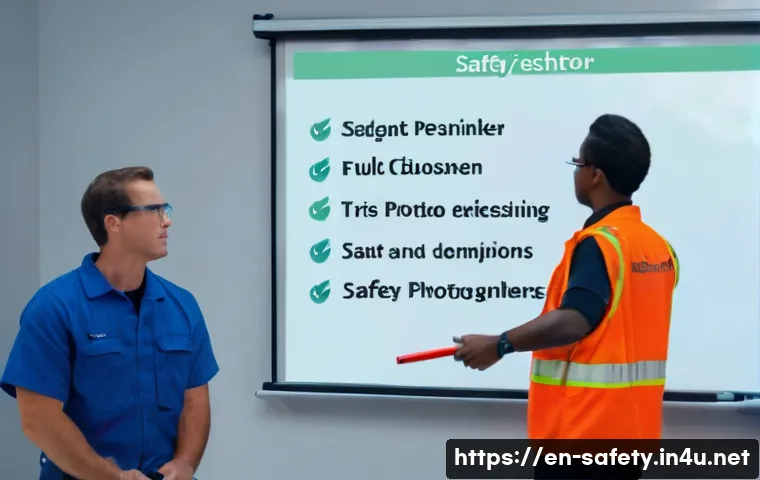
Wrapping up with a concise recap reinforces the main points and reminds participants what actions to take moving forward. I always include a summary slide highlighting key safety tips and contact information for further questions.
Additionally, suggesting next steps—like signing up for refresher courses or conducting safety audits—helps maintain momentum beyond the presentation.
A strong closing leaves trainees feeling informed and motivated rather than rushed or confused.
Leveraging Technology to Enhance Accessibility
Utilizing Mobile-Friendly Formats for On-the-Go Learning
Nowadays, many employees prefer accessing training on their phones or tablets. I’ve noticed that designing presentations compatible with mobile devices increases participation, especially for remote or shift workers.
Short, bite-sized modules delivered through apps or online platforms allow learners to engage with the material at their own pace and convenience. This flexibility often leads to better retention and less scheduling friction.
Incorporating Closed Captions and Transcripts
To accommodate diverse learning needs, including those with hearing impairments or non-native speakers, adding closed captions and transcripts is crucial.
From what I’ve experienced, these features not only improve accessibility but also help reinforce understanding by providing a written reference. Captions can also aid learners in noisy environments where audio might be difficult to hear, ensuring nobody misses important safety information.
Enabling Interactive Feedback and Follow-Up
Technology allows trainers to collect feedback easily through surveys or comment features embedded in the presentation platform. I’ve found that encouraging participants to share their thoughts or questions right after training helps identify unclear areas or topics needing reinforcement.
Follow-up emails with additional resources or reminders can also boost compliance and show ongoing commitment to workplace safety.
Measuring Effectiveness and Continuous Improvement
Tracking Engagement Metrics and Learning Outcomes
Understanding how well your safety presentation performs is key to improvement. I always recommend using tools that track attendance, quiz scores, and time spent on each section.
These metrics reveal which parts resonate and which might be overlooked. For example, if a particular module consistently scores low on quizzes, it signals the need for revision or a different teaching approach.
Regularly reviewing these insights keeps your training relevant and impactful.
Gathering Participant Feedback for Real Insights
Beyond numbers, direct feedback from trainees offers valuable perspective. I’ve seen that anonymous surveys asking about clarity, usefulness, and engagement help pinpoint strengths and weaknesses.
Sometimes employees suggest practical ideas that trainers might not have considered, like more hands-on exercises or clearer visuals. Incorporating this input shows respect for learners’ opinions and fosters a culture of continuous safety improvement.
Updating Content to Reflect Changing Workplace Risks
Workplaces evolve, and so do hazards. I make it a point to revisit training content periodically to ensure it reflects current risks, regulations, and best practices.
For instance, introducing new machinery or changes in workflow demands updated safety protocols. Staying proactive with content updates not only keeps training fresh but also demonstrates a genuine commitment to employee well-being.
| Key Element | Purpose | Best Practices | Impact |
|---|---|---|---|
| Visual Aids | Enhance memory retention and engagement | Use real photos, infographics, videos | Improves recall and attention |
| Clear Messaging | Ensure comprehension and actionability | Simple language, actionable steps, storytelling | Boosts understanding and responsibility |
| Interactive Elements | Increase participation and reinforce learning | Quizzes, discussions, hands-on demos | Enhances focus and skill application |
| Logical Flow | Facilitate information absorption | Start with high-risk topics, build gradually, summarize | Improves retention and motivation |
| Technology Integration | Expand accessibility and convenience | Mobile-friendly, captions, feedback tools | Increases reach and inclusivity |
| Evaluation & Improvement | Measure effectiveness and adapt content | Track metrics, gather feedback, update regularly | Maintains relevance and impact |
Conclusion
Effective safety training hinges on engaging visuals, clear messaging, and interactive elements that resonate with learners. By thoughtfully designing content with a logical flow and leveraging technology, trainers can create meaningful experiences that stick. Continuous evaluation and updates ensure the material remains relevant and impactful in ever-changing workplaces.
Useful Information to Keep in Mind
1. Realistic and high-quality visuals help learners connect with safety messages on a personal level, boosting retention.
2. Simplifying technical language into everyday terms makes safety instructions accessible to everyone.
3. Interactive components like quizzes and group activities keep participants engaged and encourage active learning.
4. Structuring training from critical risks to advanced topics helps learners absorb information without feeling overwhelmed.
5. Incorporating mobile-friendly formats and accessibility features broadens reach and supports diverse learning needs.
Key Takeaways
To maximize the effectiveness of safety training, focus on using authentic visuals and straightforward language that empower learners with clear actions. Engage participants through interactive methods and hands-on practice to deepen understanding. Organize content logically to build confidence and end with strong summaries to reinforce learning. Embrace technology to enhance accessibility and continuously gather feedback and data to keep training relevant and impactful over time.
Frequently Asked Questions (FAQ) 📖
Q: What are the most important elements to include in a safety training presentation?
A: The key elements that make a safety training presentation effective include clear and concise messaging, engaging visuals, real-life examples, and interactive components.
It’s crucial to focus on the specific hazards relevant to your workplace and to present information in a way that’s easy to understand and remember. From my experience, incorporating stories or case studies where safety protocols prevented accidents can really drive the message home and encourage responsible behavior.
Q: How can I keep employees engaged during safety training sessions?
A: Keeping engagement high can be challenging, but using a mix of visuals like infographics or short videos, interactive quizzes, and open discussions works wonders.
I’ve found that when employees participate actively—sharing their own experiences or asking questions—they’re much more likely to retain the information.
Also, breaking the session into smaller, manageable chunks instead of a long lecture helps maintain attention and prevents information overload.
Q: How often should safety training presentations be updated or repeated?
A: Safety training should never be a one-and-done deal. It’s best to update presentations regularly—at least annually or whenever new risks, equipment, or regulations emerge.
Repeating training sessions periodically reinforces the safety culture and keeps everyone sharp. From what I’ve seen, refreshing content with the latest data and including feedback from previous sessions makes the training feel relevant and shows employees that safety is a continuous priority.